Connect your shop
Link your WooCommerce store and your orders, products and customers appear in minutes. Your shop stays where it is.
Business software for growing companies
Products, orders, customer questions, team planning and automations in one workspace, all working from the same records. Whether you already sell online or are about to start, you begin here.From the order to the Peppol invoice to the customer's question: one workspace where your team works from the same records. Automations prepare the work, people decide.



The bean
Hi, I'm the bean. I prepare work in your Teamdock workspace, and your team decides what goes out. What does your company do?
14 days free · Cancel before day 15 and pay nothing · In 7 languages
Help me launch a shopWho it's for
Teamdock started as the back office for web shops. Today it runs the whole operation, whether you sell online, sell by quote, or haven't launched your shop yet.
Link your WooCommerce store and your orders, products and customers appear in minutes. Your shop stays where it is.
Create orders by hand, send invoices, and keep every customer conversation in one inbox. A web shop is optional.
We set up a hosted WooCommerce shop with you, connected to Teamdock from day one, and advise you on getting it right.
The product
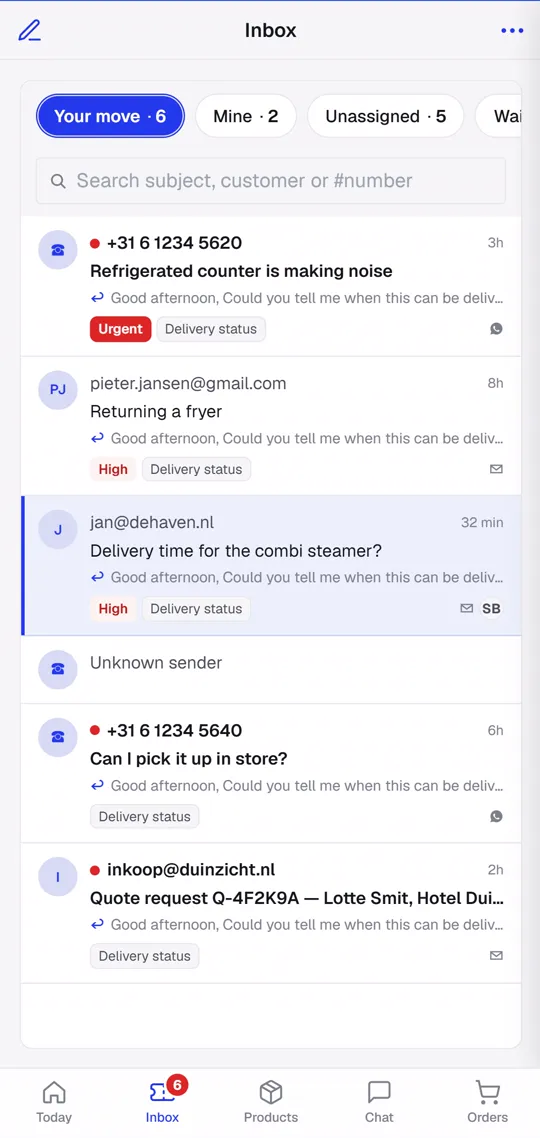
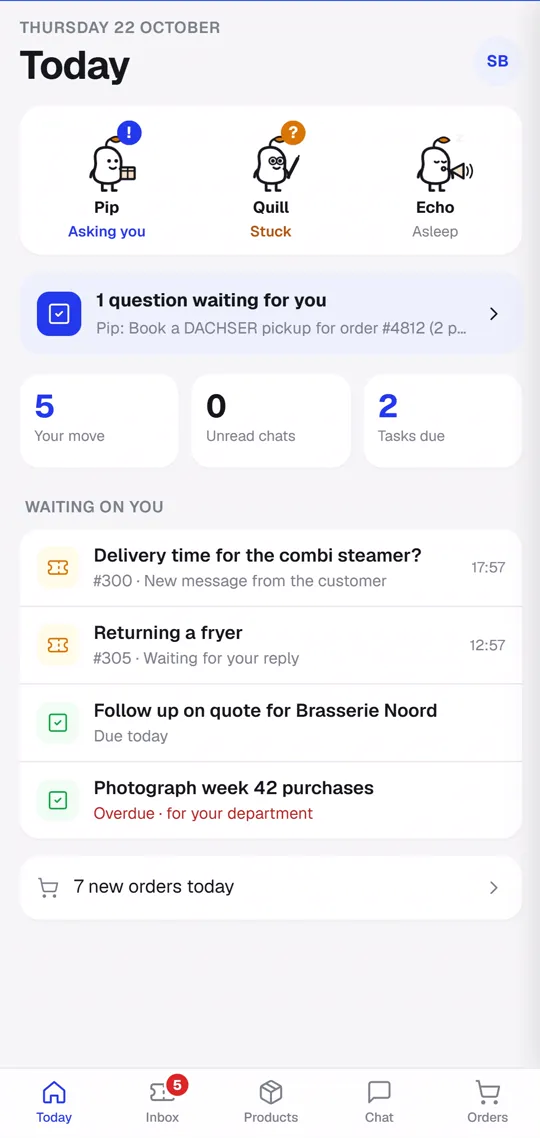
These are the sections of the Teamdock sidebar. They share the same customers, products and orders, so nothing gets copied between tools.
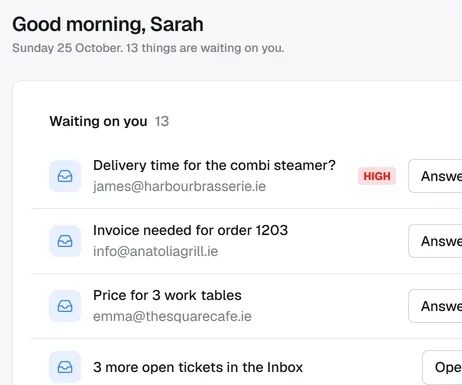
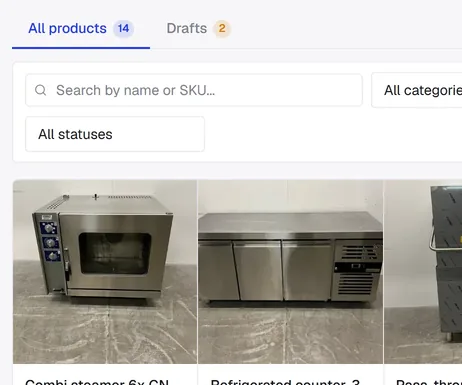
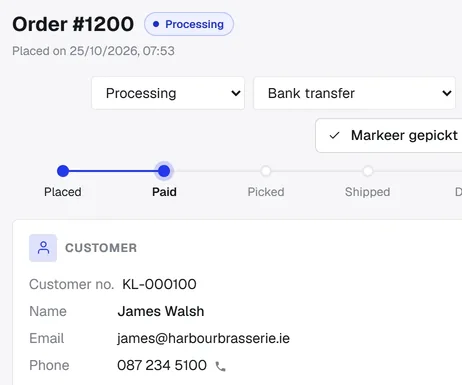
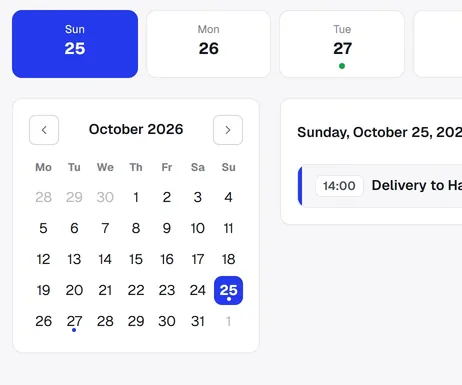
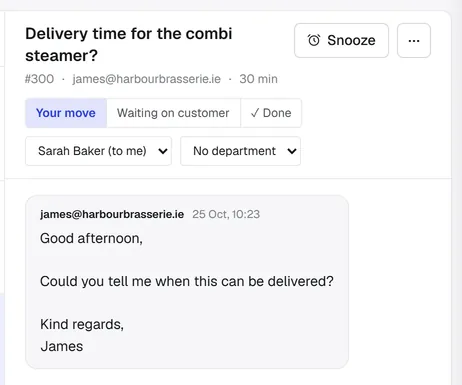
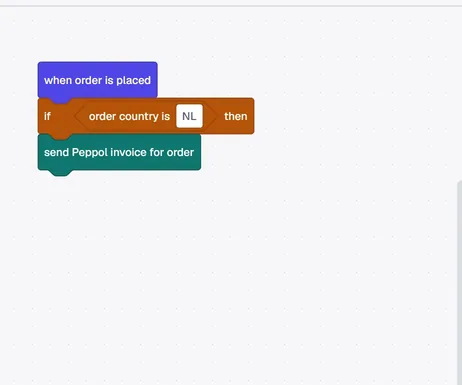
Step 1 of 6: Start the day
Screens from the Teamdock app. Van Dijk Techniek is an example company.
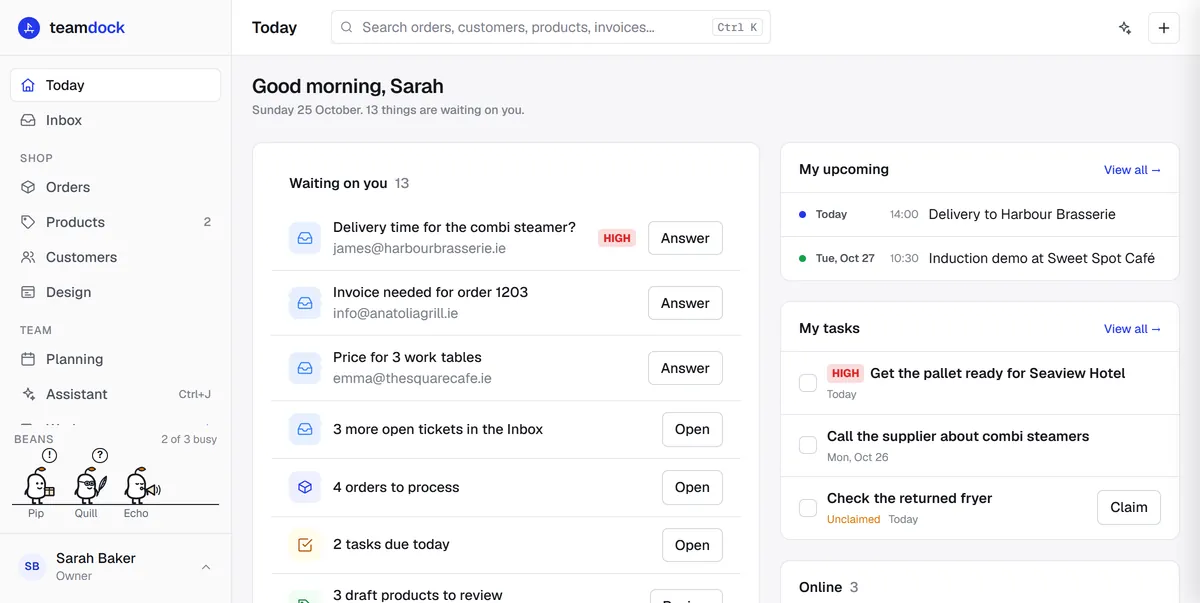
Screens from the Teamdock app. Van Dijk Techniek is an example company.
Human in the loop
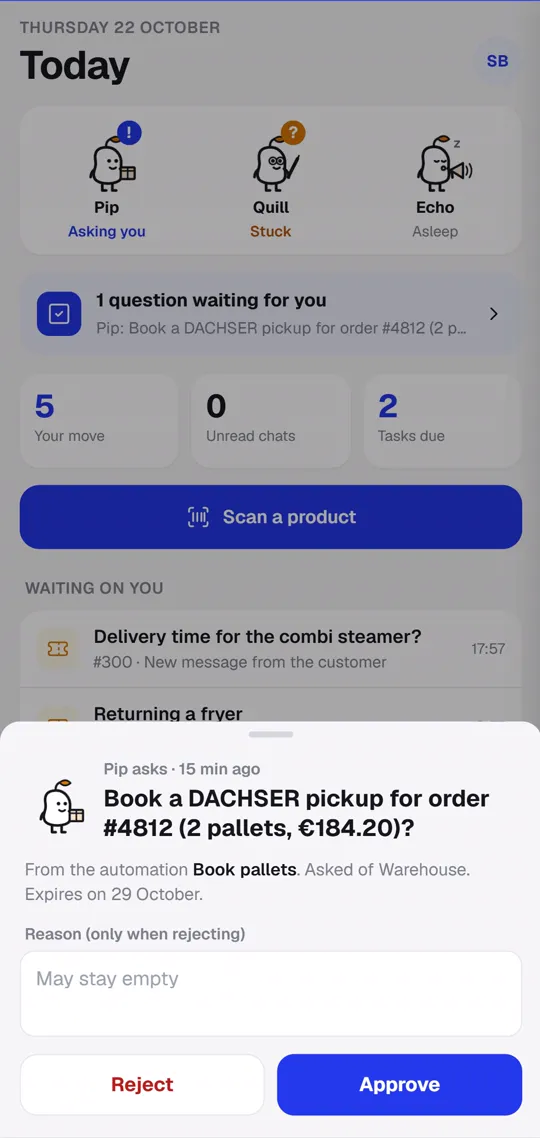
A worker bean is one of your automations, with a name and a department. It does the routine steps and asks the department you chose before anything leaves the workspace. If nobody answers, nothing happens.
Worker beans
Paid order to warehouse
Book the carrier label for order #1042?
Until then:No label is booked and nothing reaches the carrier until someone approves.
Try it. You answer as:
Sanne can't answer this. Booking a carrier label needs a manager, whoever was asked.
The right people answer
The department that was asked, or someone with full rights on Automations.
You approve what you saw
The rest of the run uses the version you were shown, not a later edit.
Labels need a manager
Booking a carrier label always needs a manager, whoever was asked.
Silence means no
An ask nobody answers lapses after 7 days. Nothing is sent.
Approvals history
Kept with every run| When | Bean | Asked | Outcome | By |
|---|---|---|---|---|
| Yesterday 16:10 | Copy bean | Save copy on 4 drafts | Approved | DaanExample |
| Tuesday 11:32 | Logistics bean | Book label for #1031 “Customer collects it” | Rejected | LotteExample |
| Last week | Social bean | Plan post for "Linen sofa" “No answer in 7 days” | Expired | NobodyExample |
Teamdock app · iPhone and Android
For the warehouse floor, the shop counter and the road. Sign in to your company's workspace by scanning a code on your computer, then lock the app with Face ID or your fingerprint.
In testing with customers now, in the stores next week. Included in every plan.
Run a bean above and its question lands here.
In testing with customers now, in the stores next week. Included in every plan.
Security and privacy
Its own container and its own database. Another customer's problem can't reach your data.
Designed under Europe's strict privacy rules, which protects your customers wherever they are.
Nightly backups of the database and files, kept up to 14 days on the server and 30 days encrypted off-site.
In Hetzner data centres in Germany, with a data processing agreement available.
E-invoicing over Peppol, EU VAT checks and Dutch company-registry lookups, for companies across Europe.
Run the back office on admin.yourcompany.com and the shop on your own domain.
Customer story
HCB started with Teamdock's product form for its own WooCommerce shop. Today its listings, customer questions, orders and warehouse all run from one workspace.
Read the story3,100+
products managed in Teamdock
1
workspace for the whole team, connected to HCB's own shop hosting
Pricing
Every plan includes orders, logistics, invoicing, tickets and live chat. Prices per month, excluding VAT. Essentials starts with 14 days free.
€149/mo
For orders, invoices and questions in one place.
No worker beans
Teamdock app for iPhone and Android
€575/mo
For shops that run their operation on Teamdock.
One worker bean
Teamdock app, with approvals on your phone
€875/mo
For larger teams that need depth and support.
A crew of three worker beans
Teamdock app, with approvals on your phone
Base fee + per organisation
A dedicated server for groups and agencies with many organisations.
Contact usReady when you are


